Portfolio Website
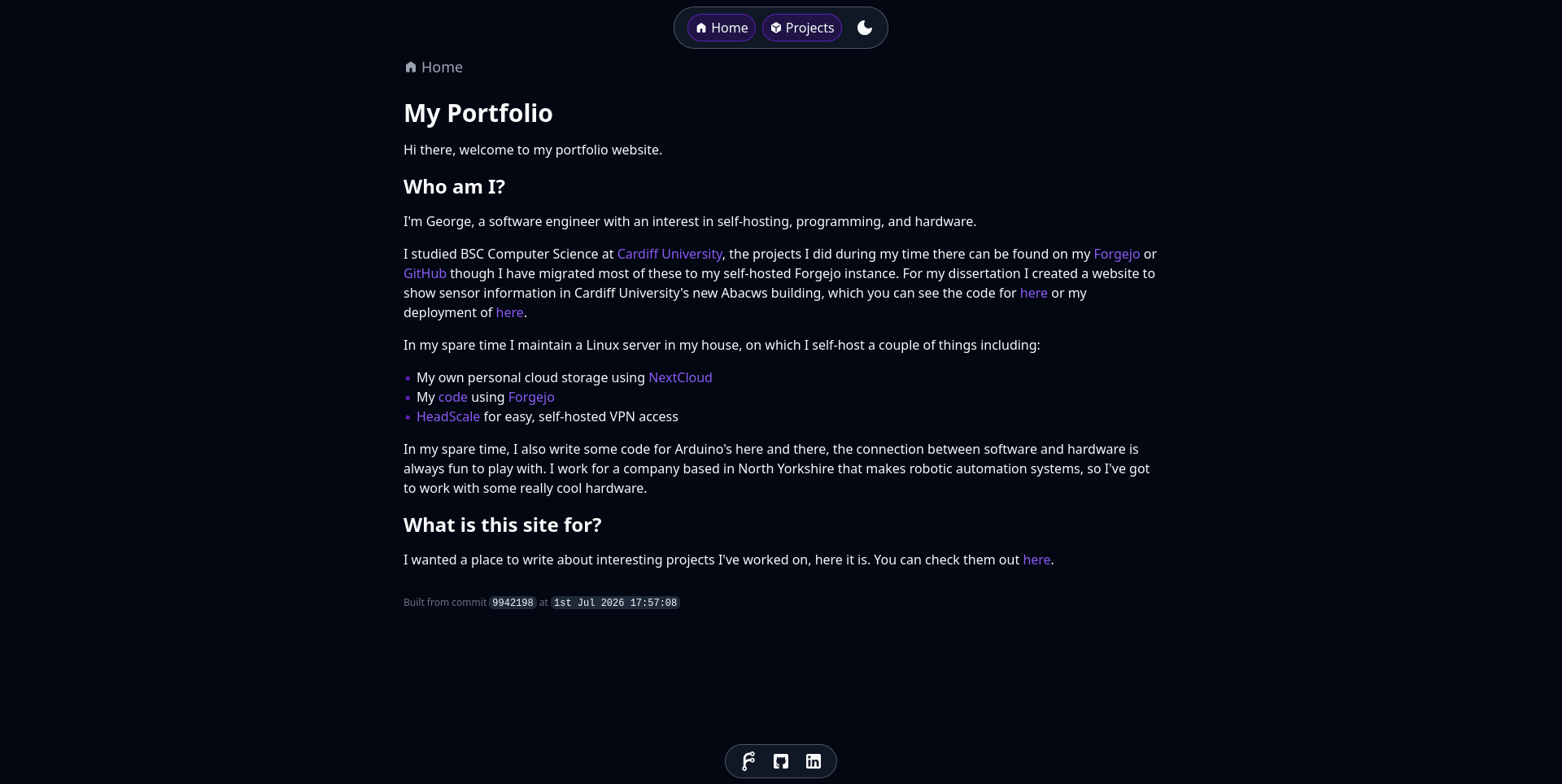
In this project, I discuss the creation of this portfolio website.Project Overview
In this project, I aimed to create a simple portfolio website (this one) for me to showcase my work.
I had a few requirements in mind for this:
- Minimalistic and responsive design
- Statically hosted
- Simple styling
- Dark mode (the most important feature)
Architecture
To start with, I needed to decide what I was going to use to build this site. I've worked with Nuxt.js and used Strapi as a backend CMS for a previous project, but I found Strapi to be a heavy and unweildy product that doesn't do anything particularly hard. As I'm going to be the only person making edits to the site, I can use something that is more technical and simpler.
I decided on:
- Nuxt for the framework.
- Full stack framework for building SSR and SSG applications.
- TailwindCSS for styling.
- Utility based CSS framework.
- Cloudflare Pages for hosting.
- Free hosting for static sites, with a global CDN.
- Nuxt Content for content management.
- Much simpler than strapi (opinion warning).
- Git based CMS, data is stored alongside code.
- Markdown based.
Project Structure
Styling
Styling is done using TailwindCSS, tailwind provides a series of extensible utility classes that can be applied to elements to style them. This differs from a more traditional approach of writing CSS in a separate file and applying classes to specific elements. I find this approach easier to tweak, but it isn't without its drawbacks.
The main drawback is that it can lead to very long class names on elements, which can make it hard to figure out exactly what an element is going to look like. I find this is mostly mitigated by using a component based approach, where elements are broken down into vue components and styled internally.
I designed a few components to re-use throughout the site, this can be found on the dev pages deployed with this site.
Dark Mode
Dark mode is natively supported by TailwindCSS, and can be enabled by simply adding a dark class to the body of the page.
I used the library vueuse to check the user's preferred color scheme and allow switching between light and dark mode.
They have a handy utility called useColorMode that handles this for you.
You just need to handle the addition and removal of the dark class on the body yourself, which I handled with a DarkModeSwitch component.
Content
Nuxt Content allows you to configure multiple content sources, with different queryable fields. For this site, I have divided the content into the following collections. I may end up extending this list if need different stores of data.
- Pages
- Projects
- Projects to showcase on the projects page (like this one).
- Socials
- Social links to show in the footer.
Pages
Nuxt uses file based routing, where the file structure of the pages directory is used to generate routes for the site.
The pages directory is very simple for now, with only 3 templates in use.
app/
└── pages/
    ├── projects/
    │   └── [slug].vue
    ├── [...path].vue
    └── dev.vue
dev.vue page is a development page used for testing components.
The [...path].vue page is a catch all that renders the matching page from the pages collection,
and the projects/[slug].vue page is used to render the matching project from the projects collection.
Conclusion
Well there you have it, some background information on how this site was built. You can check out the source code for this site here. More projects to come soon (hopefully)!
bea54f9 at 4th Jul 2026 08:46:52